Are you an artists and you want to present your illustrations in a realistic way, how they would look on a book? In this article I will show you how to use the software blender to generate a realistic 3D pictures for your pictures as a book cover.
How the final 3D Book cover results from blender look like:
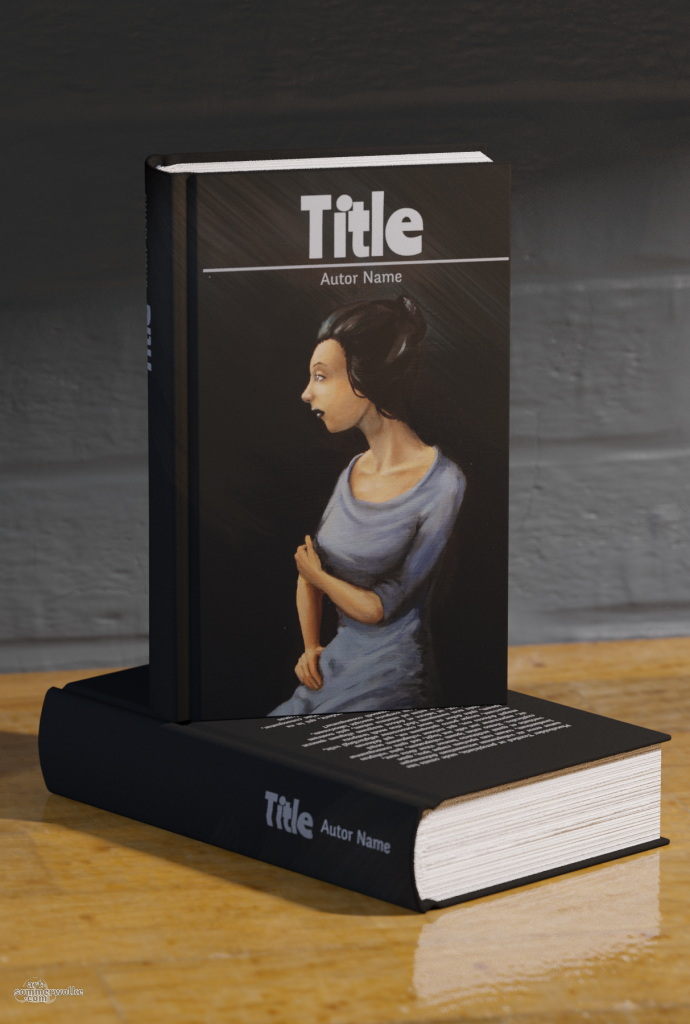
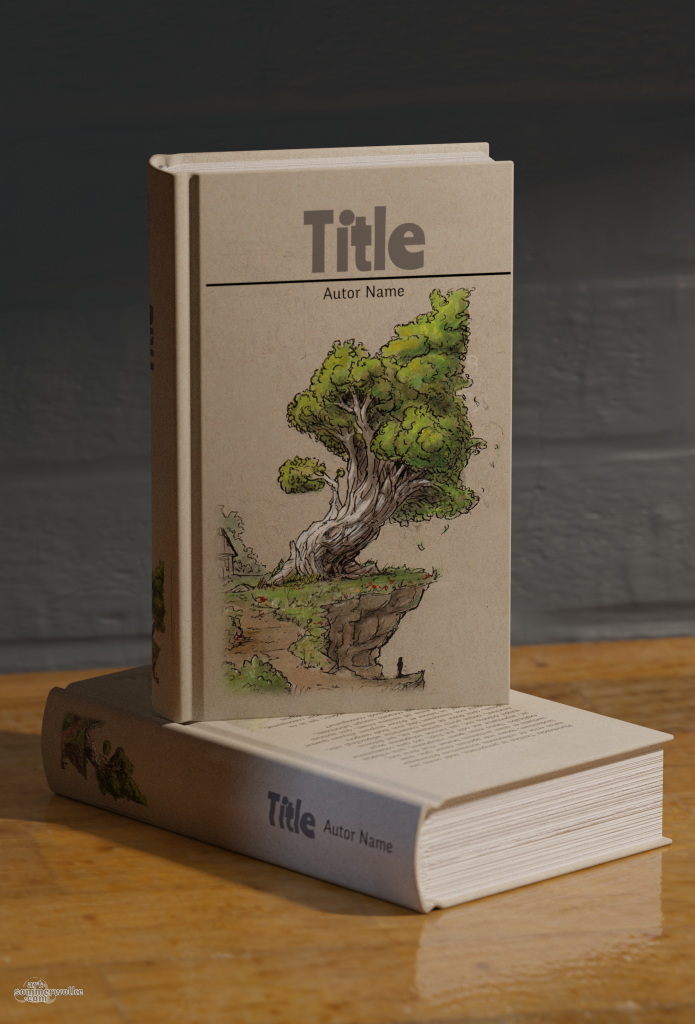
What you need is:
- Blender for the 3D rendering and Krita for the book cover texture modifications
- Some basic skills in using Blender: Blender-Beginners-Tutorial
- Some basic skills in using Krita, especially about positioning Layers with Transform-Tool
- The Blender+Krita Files: Download
The download might be slow, because it is self-hosted. So there are no big companies between the two of us 🙂 All files are CC0 and in the public domain.
But of course you can modify the textures and even the models as you want. I would be glad if you can share your changes and optimizations, so that we can improve this framework more and more 🙂 .
What to modify to make your 3D book cover in Blender?
- In the .kra file, modify the pictures with your book cover and styles as you wish. All relevant layers, which should be modified, are in the Group “Diffuse Map”.
- Export the “Diffuse Map” Group as a jpg picture. (File -> Export …). Hide the UV-Grid layer before export, this is only required as a guide and should be hidden once you are done.

- Open the the .blend file in Blender and select one of the books and open Shader-Editor.
- For the material “Book” modify the location of the cover according the file-path of your exported jpg. For this, you have to click on the “New Image” Button in the Box, which is connected to the “Base Color” and select your file

- Press F12 and start the 3d rendering of your book with your customized cover 🙂
I hope this article gave you some help and also some inspiration for your own work. If you have any questions, please contact me on Mastodon or put a comment under this post.